
You are looking at a pair of trainers. A film on the listing, or one a friend has forwarded, still has “25% off” across the corner and a date that has already passed. The product page in the other tab says something narrower: 15% off full-price lines, ending Sunday at 23:59, and the size you actually need is already in the sale. The code in the caption may still be live. The number painted on the film is not the number to trust.
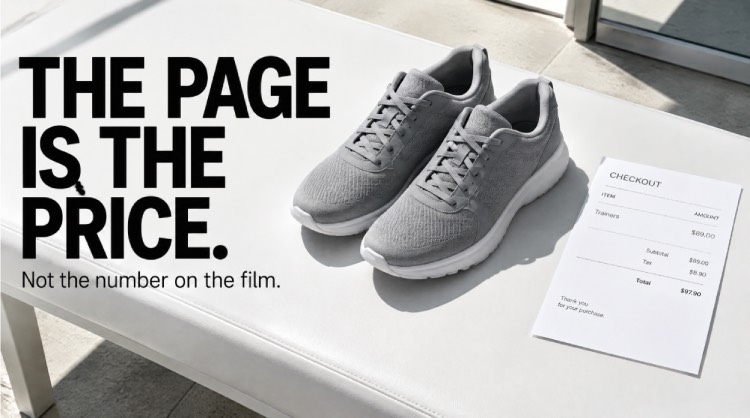
That gap is the task. Read the offer the checkout will accept, put a qualifying basket under it, and only then decide whether any film should be touched. Most of them should be left alone.
Read the offer the till will use
Open the page that takes the payment. Before the code goes in, copy five facts from that page:
- the amount or the percentage off
- the end date, and the hour if the shop prints one
- the minimum spend, and whether postage counts toward it
- what the code skips: sale stock, other brands, gift cards, colours already reduced
- who may use it: a new customer, one household, or an account that has not used it yet
Where the film and the page disagree, follow the page. A picture of someone else’s completed order is not a second set of terms. Their basket may have cleared a minimum yours misses. Their account may have been new. Yours is not.
A carousel on another site can keep showing a code after the shop has withdrawn it. Type the code on the shop’s own checkout and read the line that comes back. If you are on the app and the browser shows a different end date, use the page that will actually charge the card.
Build a basket the code can accept
Put the qualifying items in first. A code that asks for £40 does nothing useful at £38 because a smaller size cost less. A code that ignores sale stock does nothing if the pair you want is already reduced. Delivery charged on top does not become free because a film said so last week.
Apply the code, then look at the new total and at which lines moved. If nothing moves, the date has passed, the minimum is short, the line is excluded, or the code has already been spent. Those are facts on the page. Repainting the percentage on a film does not change them, and it hands the next person a price the till will refuse.
Take an old price off only when the film is yours to edit
Some files are yours to change. You filmed the product for your own listing. You exported it from a project you made. You licensed the stock. Or the shop gave you the file and said you may edit it. A date, a percentage, or a template badge painted on that picture is an overlay on footage you are allowed to touch.
A brand advert you saved, or a review someone else published, is not in that group. Peeling the mark off so a forwarded deal looks official does not make the file yours, and it does not make an old percentage true.
Video Watermark Remover takes an MP4 or MOV under 300MB. A source up to 3840×2160 can come back at that same resolution, up to 4K. A soft file stays soft. The tool does not invent sharper detail. Auto follows a badge that moves around the frame. Inside Box cleans one chosen area, such as a date in a corner. Outside Box holds a face or the product and cleans outside that shape. Covered pixels are rebuilt by inpainting, not smeared with a blur and not cut out of the frame. A new account starts with a free trial credit. After that, the page charges 1.8 credits a minute, about 0.29 US dollars a minute on the annual plan. The upload stays in a private workspace, is removed after processing, and is not used for training. A longer file has to be trimmed or split before it will go in. How clean the patch looks depends on the size of the mark, how it moves, and what sits behind it. Words burnt into the picture can be treated as an overlay. A job that is only captions belongs to a different tool.
Removing a badge does not transfer the copyright, and it does not switch a code back on.
Say this week’s terms if you are publishing the offer
A clean corner can still sit under a soundtrack that says last month’s price. If you are the person putting the offer out, the next version has to speak the terms that are live now: the percentage, the end hour, the minimum, and the lines that do not qualify.
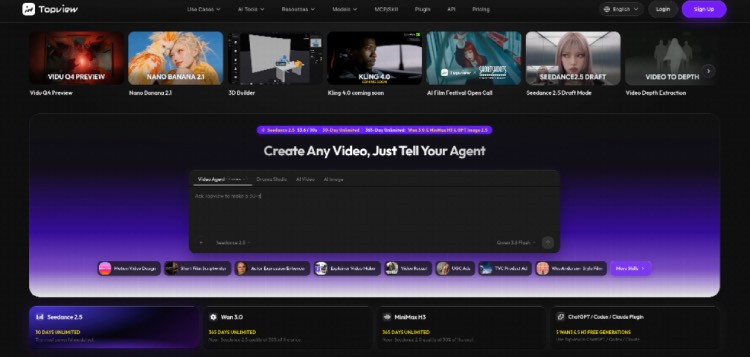
Topview is the workspace for that version. You describe the offer, paste the line that is on the shop page today, add a reference for the pace, or point at the product URL. It plans the scenes, selects among the models available there, generates the assets, and leaves the shots editable on the Canvas. A prompt, a URL, an image, a video, or a mix of those can start the same piece of work. What the plan includes, and what a generation spends, is listed on the site before you run it. You still place the file on the listing, in the message, or on the page yourself. It will not test the code, and it will not publish the page for you.
Play the new line against the five notes. If the film promises postage the voucher never included, keep the written limits beside the file. Do not let the film travel on its own.
Pass the code on in words
Send the code, the end date, the minimum, and the exclusions as text. Name the shop page and the day you read it. The person you send it to can open that page and see whether the offer has moved since.
If the number on the film is wrong, and you are not allowed to change the file, send the text and leave the film out. A missing look at the trainers is easy to replace. A payment made against a discount the checkout never offered is not.


Leave a Reply